TinEye Reverse Search
By Mike Joubert 5 October 2009 | Categories: web time wasters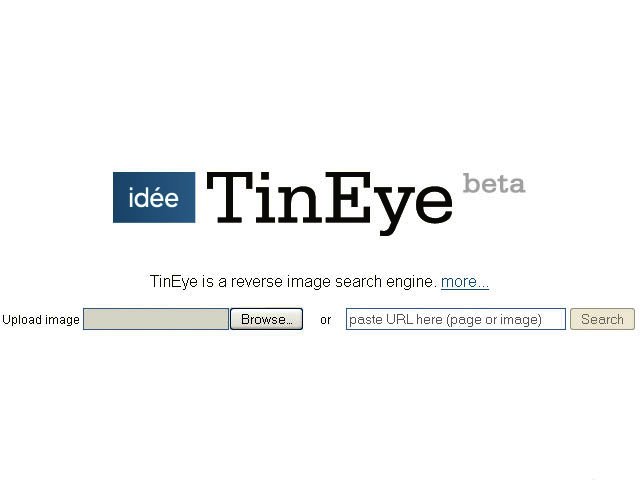
Related Articles
 Web Time Wasters – September 2013
 Web Time Wasters - June 2013
 Web Time Wasters - April 2013
So what exactly is a reverse image search engine?
Well, in the case of TinEye you give it an image to search for, and it will find you similar images scattered across the web. You can use the engine by either uploading a JPG or typing in the URL of the image on the web you want similar results for.
While this might sound a little silly, it isn’t. Searching for images using images rather than keywords makes sense as long as you already have the image you’re looking for. Hmmm.... we assure you this all makes perfect sense. More interesting is finding out where an image originated, how it is being used and if modified versions of the image exist.
Their search index isn’t exactly very big right now, so don’t expect excellent results. Still, an interesting concept.
Most Read Articles
 Digital finance for AI-driven economies: Africa’s role in the next phase of cr...
 How AI is turning retail advertising into a decision system
 Logitech Pebble 2 Combo
 Samsung Galaxy S4 Zoom - white
 Dell Technologies Forum to explore how businesses can scale AI
 How AI orchestration is reshaping the modern customer journey


Have Your Say
What new tech or developments are you most anticipating this year?

