Publish personal webpages
By Lance Terner 1 April 2009 | Categories: netsmart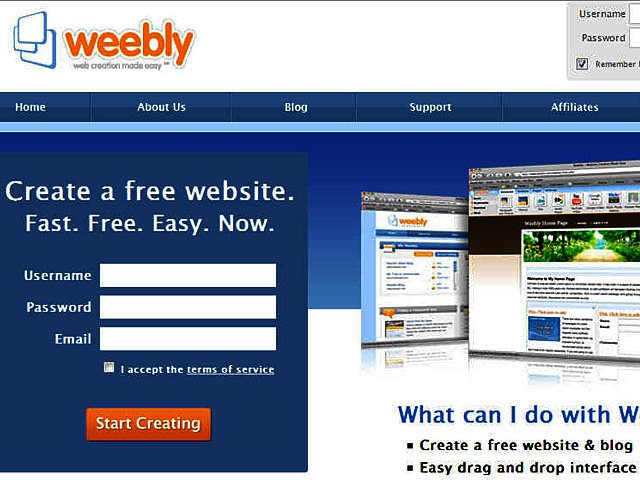
Related Articles
 Oclean X Ultra Digital Sonic Toothbrush
 Internet Trends for 2010
 DIY VPN
Back when I studied engineering one of the most important things I learned was that there is almost always more than one way to do anything. I soon realised that the same applies to computers, and now the Internet. Nothing in this brave new technological world is done the same way by anyone, and that goes doubly for webpage design.
Getting a personal webpage up on the Internet is not as difficult as it may seem. There are lots of different types of webpage editors freely available. Some of them are online creation tools helping you to create webpages straight from your browser, while others are offline, which is not dependent on being connected all the time.
Designing your site online is probably the easiest way to create your website, seeing that there are a lot of easy-to-use website construction sites available. All you have to do is just sign up and start building.
Check out these website design tools. You will find them very friendly and easy to use:
- Yola – www.yola.com
Yola, formerly known as SynthaSite, was originally developed in South Africa but is now based in the USA. This browser based builder has an incredible interface. I highly recommend this site for people who are into social networking.
- Weebly – www.weebly.com
This product aims to make it easy to publish content-rich sites which can include elements such as videos and photo galleries. Weebly is particularly good for people wanting to publish a lot of personal content.
- Google Sites – http://tinyurl.com/al3qtp
Google Sites is part of Google Apps and is recommended for small businesses wanting to publish a site. Handy features include the ability to share files very simply and unify content from different sources, including documents, pictures and videos.
- CoffeeCup – www.coffeecup.com/html-editor
This HTML Editor application is apparently one of the most downloaded on the Internet. The visual editor is a remarkable WYSIWYG (what you see is what you get) tool and makes creating a website as easy as dragging and dropping images and text onto a page. You can download a 30 day free trial.
The following sites also come highly recommended:
• Wetpaint. www.wetpaint.com
• Webs. http://webs.com
If you have any questions or queries drop me a mail, lance@brandedinternet.co.za.
Most Read Articles
 Logitech Pebble 2 Combo
 Samsung Galaxy S4 Zoom - white
 Quick Review: Tecno Spark10 5G
 Samsung Galaxy S4 Zoom (black)


Have Your Say
What new tech or developments are you most anticipating this year?

